


Completing a JILI18 deposit properly is an essential starting step that helps players maintain a smooth entertainment pace and avoid unnecessary interruptions. When transactions are executed accurately right from the start, your account balance updates rapidly so you are ready to enjoy all your favorite games. This article provides a detailed guide, technical notes, and practical error-fixing solutions for players.
Overview of the Current JILI18 Deposit Process
The transaction system on JILI18 is optimized to cut down waiting times and strengthen security layers for every payment order. Players can proactively control limits, track transaction history, and choose payment channels suited to their daily habits.
To ensure fund transfers run seamlessly, you need to grasp the basic operating principles of the system. Understanding how information is cross-checked minimizes queued orders or mismatched transfer notes.
- Rapid balance updates: The system records transactions automatically the moment payment details match the order created on your account.
- Popular multi-channel support: Players transact effortlessly via local e-wallets or online bank transfers.
- Transparent history: Every completed or pending transaction is stored clearly for convenient cross-checking whenever needed.
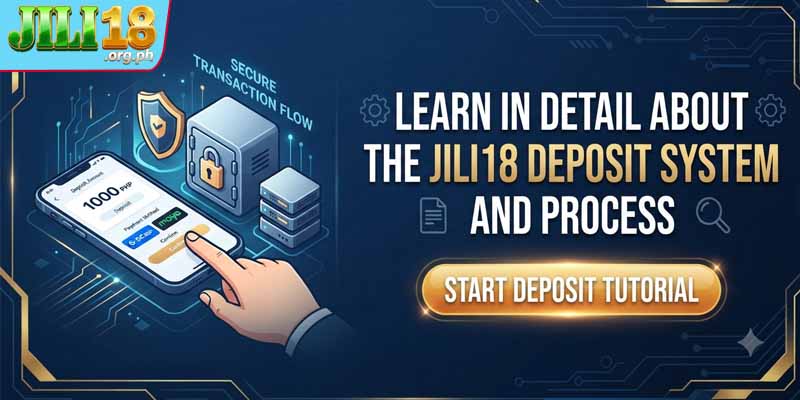
Detailed Step-by-Step JILI18 Deposit Guide
Before operating, make sure you are logged into your own verified account and check for a stable network connection. Following each step sequentially below helps complete your transaction in just a few minutes.
Step 1: Access the Payment Area in Your Account
After logging into JILI18 successfully, locate the deposit section on the main navigation bar or personal management page. The payment interface displays the list of methods currently available for your account. Always check the domain name and URL carefully before entering any transaction details.
Step 2: Select a Method and Enter Your Desired Amount
Choose the payment channel best suited to the bank account or e-wallet you are using. Next, enter the deposit amount following the exact minimum and maximum limits shown on screen.
- Check limits: Ensure the entered amount sits within the permitted range of each payment method.
- Record order details: The system provides recipient info, account number, or the corresponding transaction code for that deposit session.
- Do not save static old info: Always pull the latest details for each transaction to avoid issues if a receiving channel has changed.
Step 3: Confirm the Transfer and Cross-Check Status
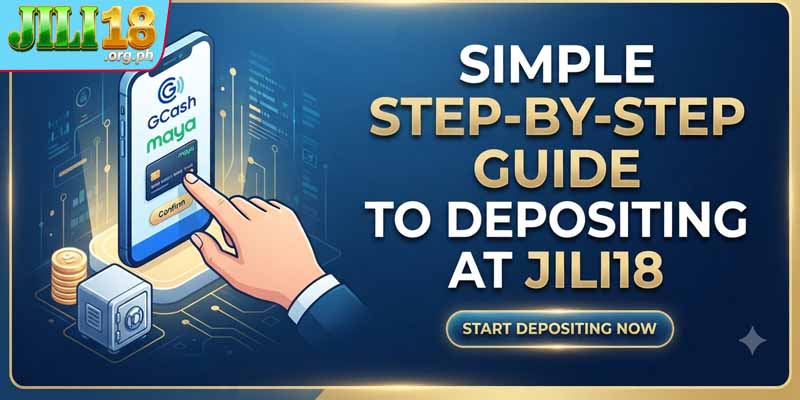
Open your banking or e-wallet app, enter the exact details provided, and confirm payment. Once the transfer finishes, return to the JILI18 interface to check the processing status of your deposit order. Typically, your balance is credited shortly after the system confirms success.
Important Notes to Keep JILI18 Deposit Transactions Safe
Accuracy and security are always the two factors determining the effectiveness of every online transaction. Players should build habits of checking thoroughly before and after transferring funds.
- Match verified account holder info: Prioritize using payment accounts matching your registration details so verification runs smoothly.
- Enter the exact transaction note: If the system requires a reference code or specific memo, copy it accurately to avoid approval delays.
- Save digital receipts: Take a screenshot of the successful receipt, transaction code, and transfer timestamp until your balance displays in full.
- Avoid transacting during maintenance: Refrain from depositing when banks, e-wallets, or the platform announce scheduled maintenance.
How to Handle Issues Encountered During Transactions
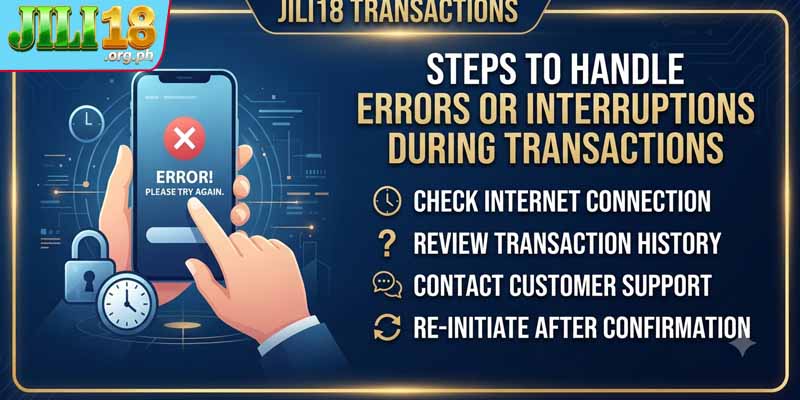
In real-world use, players occasionally face network congestion, slow bank confirmations, or mistyped details. Instead of repeating actions multiple times and creating duplicate orders, handle issues calmly with verification.
First, check your transaction history inside your payment app to see whether funds were actually deducted. If the transaction shows successful but your balance has not updated yet, refresh your account page and wait a few minutes for the system to sync.
If the issue remains unresolved, contact JILI18’s online support channel and provide the full transaction code alongside a receipt screenshot. The clearer your information, the faster verification and response times become.
Completing a JILI18 deposit following the proper process not only saves time, but also keeps your account safe throughout your experience. When you master the operational steps, check payment details carefully, and retain complete receipts, every transaction becomes more proactive and transparent.
